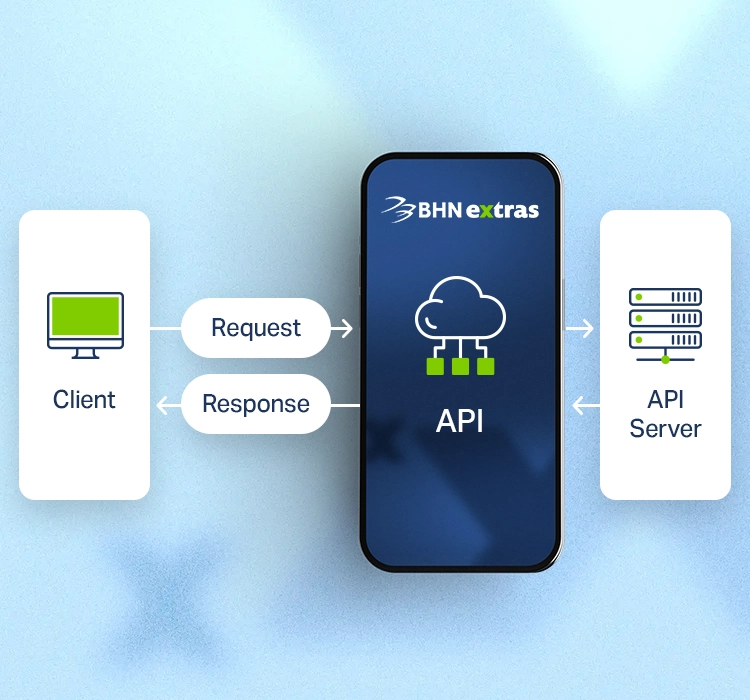
Request
Log in to BHN Extras, apply for your bYond cashback prepaid card, and pay the £5 annual fee.
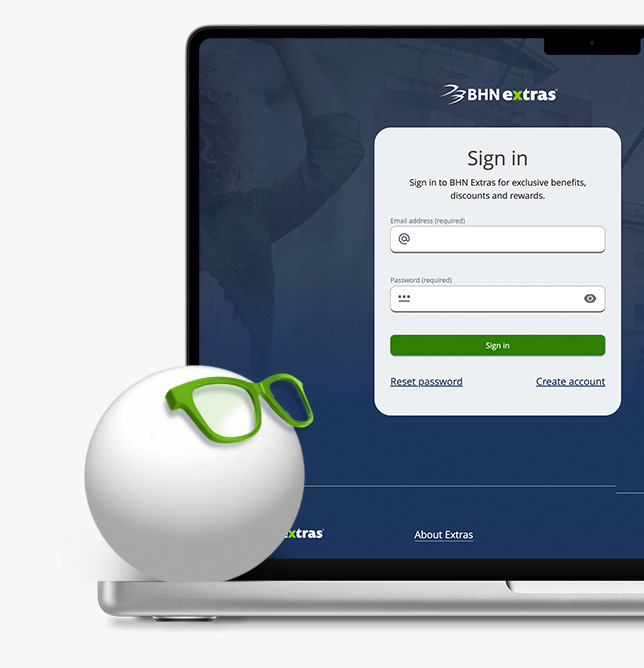

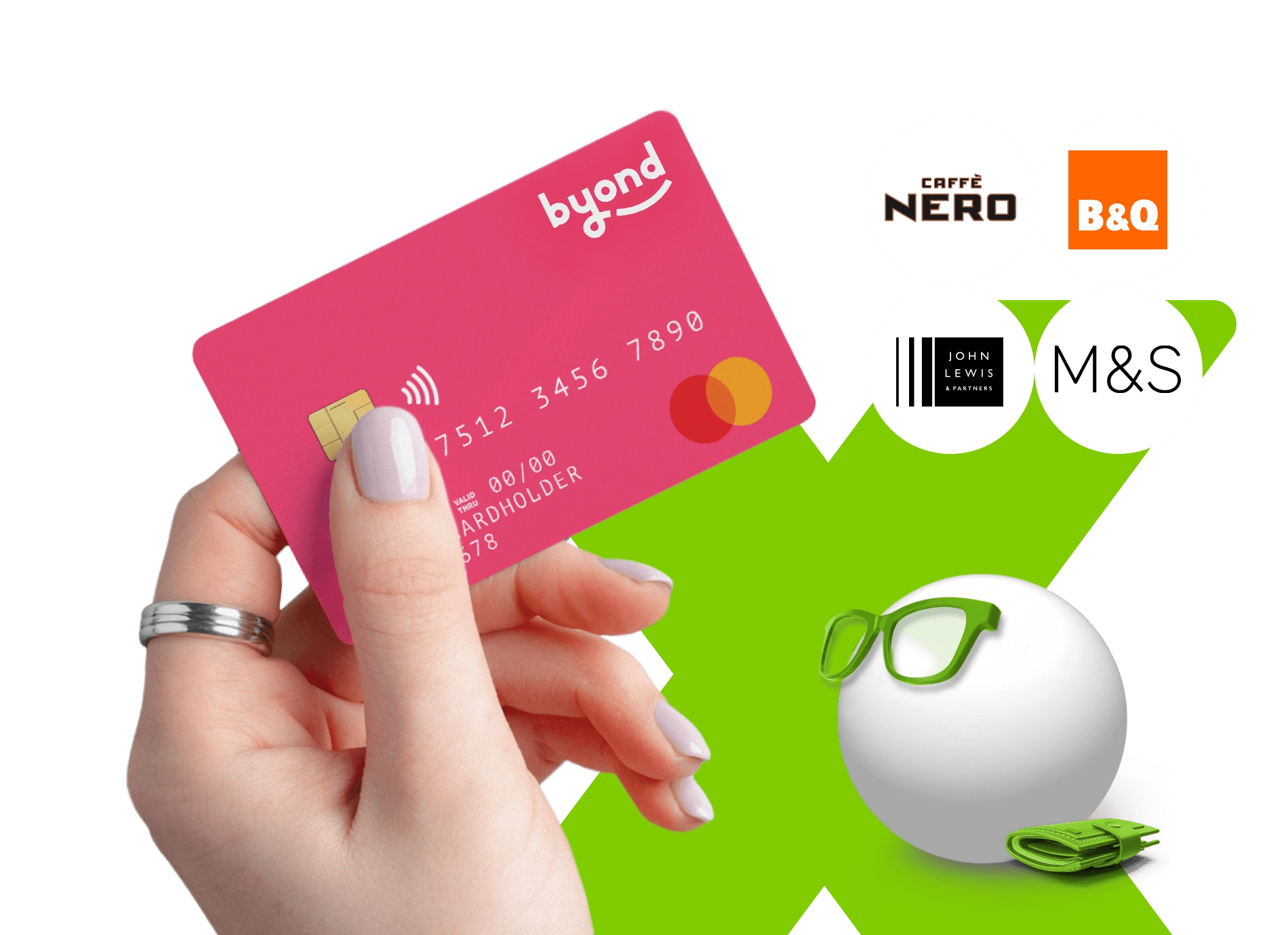
bYond is an employee cashback card and everyday financial wellbeing solution. This prepaid shopping card enables cardholders to earn up to 15% with every use, at over 90 UK high street retailers, restaurants and supermarkets.

Which best describes you?
Log in to BHN Extras, apply for your bYond cashback prepaid card, and pay the £5 annual fee.
Receive your card within 5 working days and activate it online or via the app.
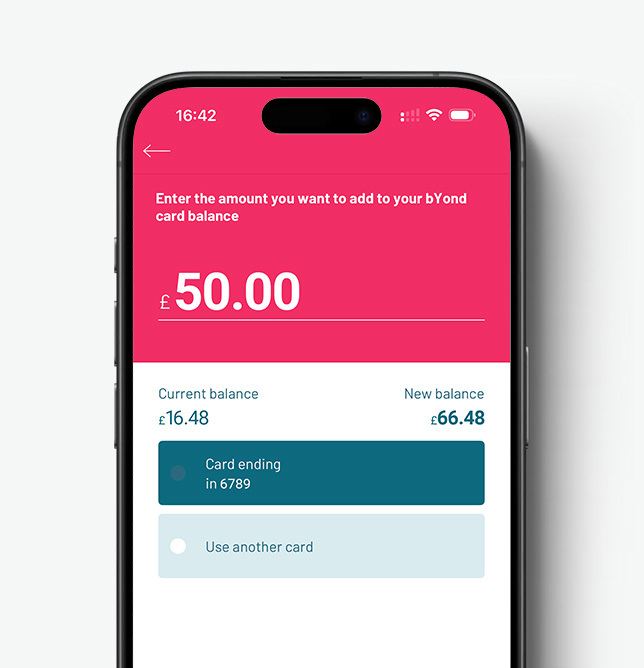
Top up your prepaid shopping card through the platform or app, then shop at 90+ retailers, in-store or online.
Cashback lands in your account 30 days after each purchase, automatically.
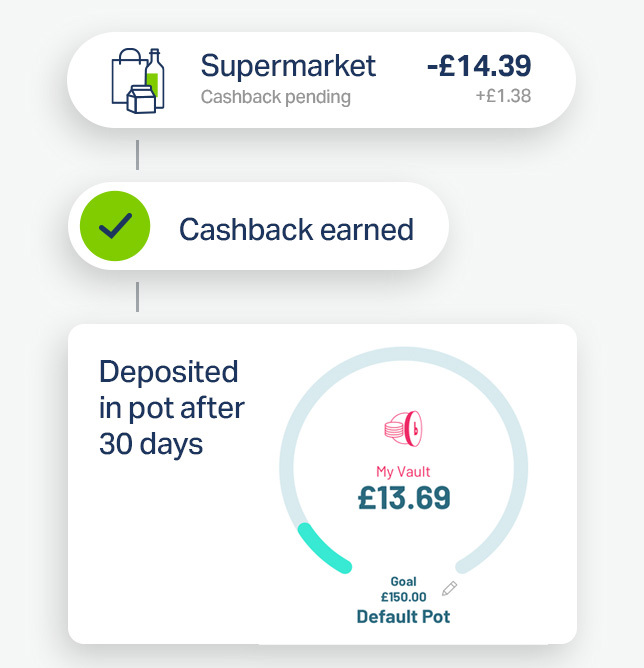
The smart way to support your financial wellbeing and everyday spending.
The smart way to support your employees’ financial wellbeing.
Cardholders earn up to 15% unlimited cashback every time they spend.
A great help for employees on lower salaries who don’t have access to traditional bank credit.

Cashback on supermarket shopping at Tesco, B&Q, M&S, John Lewis, Sainsbury’s and more.
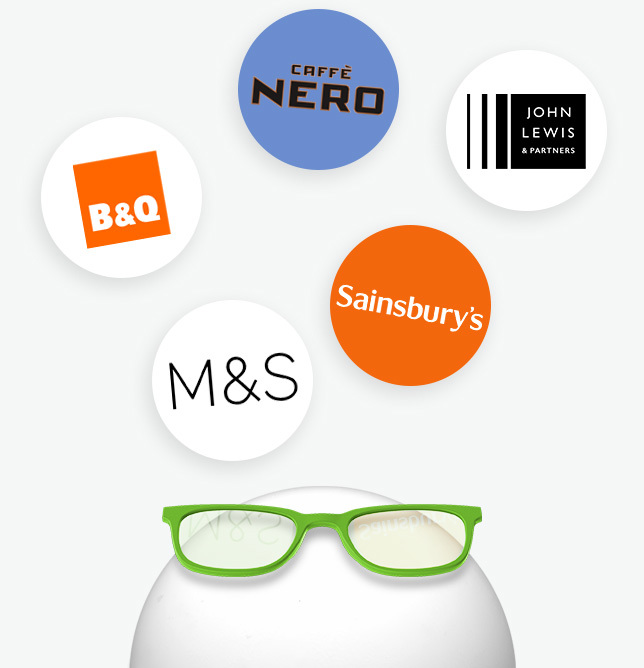
A tool to help employees make their money go further and save on everything from their weekly food shop to fashion for the family.

Register with bYond
This only takes about 5 mins and once registered you will be able to access your Extras administration account. We’ll send a free implementation guide and marketing materials to make launching the scheme easy.

Approve and pay
Your employee decides on a budget and their preferred retailer and then applies on the bYond website. You review the application and if eligibility is agreed, you pay for the equipment. bYond then dispatches a redemption code to your employee.

Employees can add a partner to the same account.


Cardholders may track their spending by category (e.g. cashback on groceries) or by retailer to stay in control.
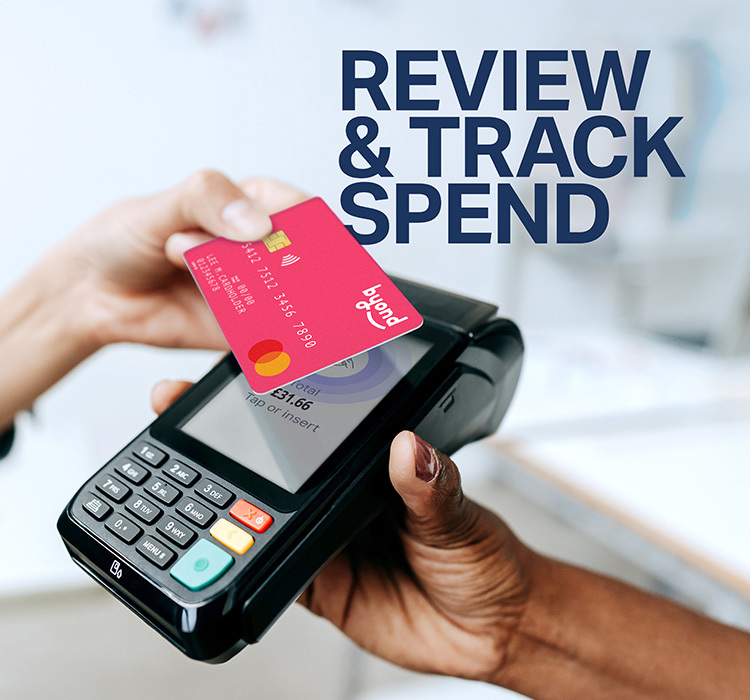

Cardholders can access their account 24/7 via the website or app to top up funds on the go.
Add a second card for your partner – share one account, share the savings.

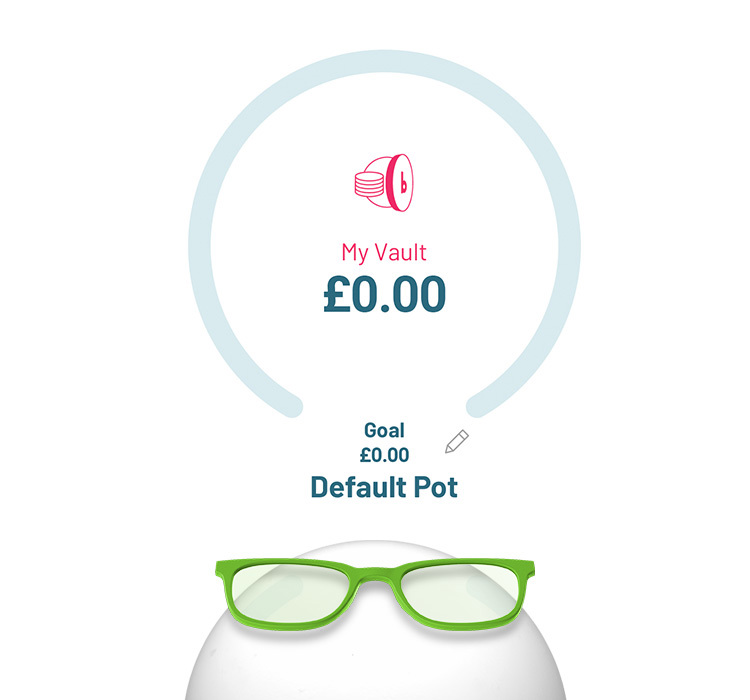
Create a savings target, track your progress, and get notified when you reach your goal.

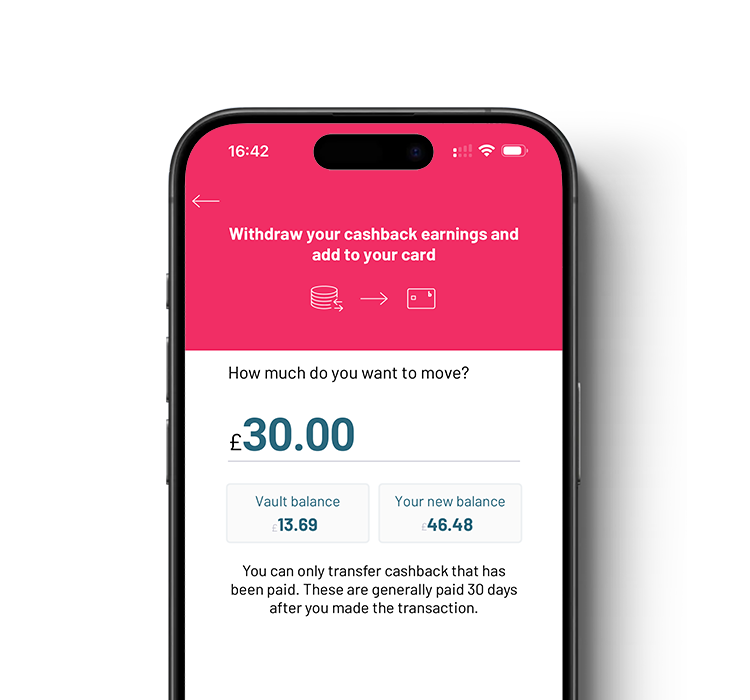
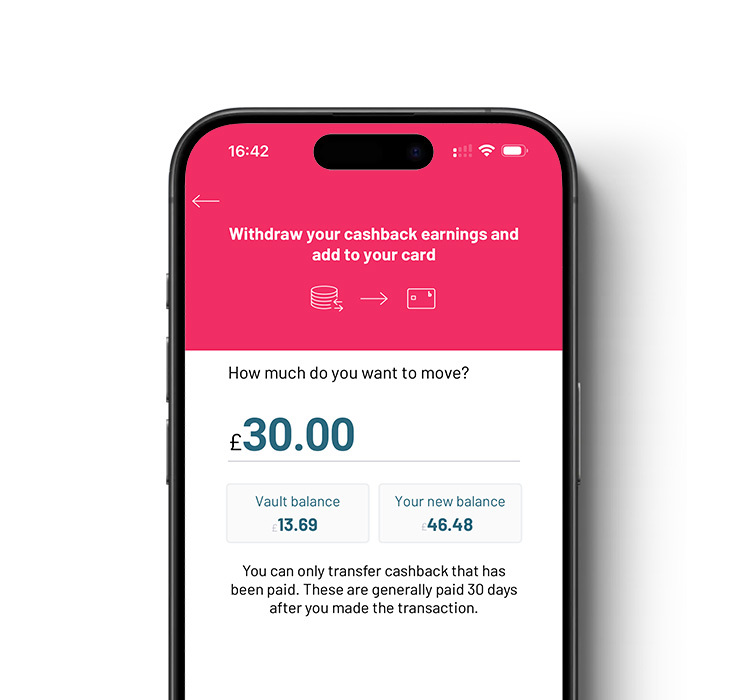
Automatically withdraw your cashback balance so you can spend it straight away.

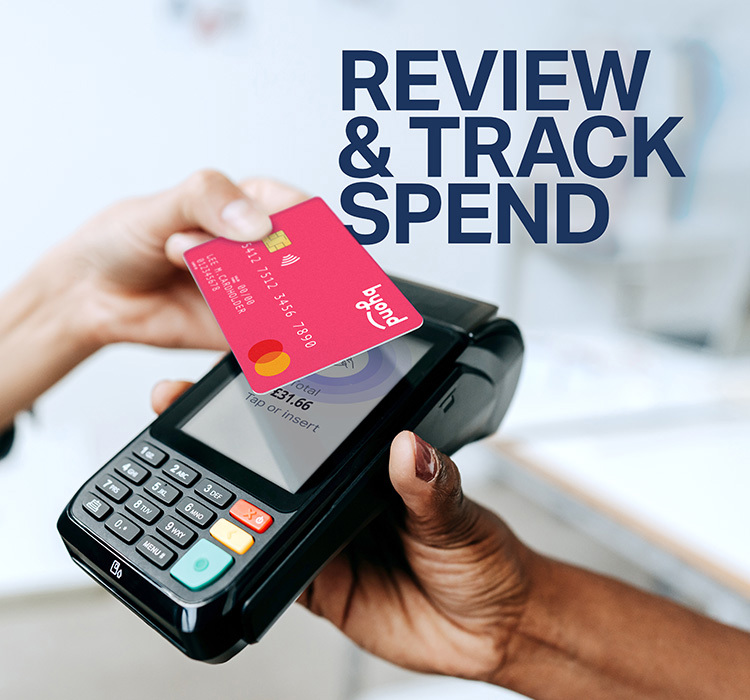
See detailed spending insights by category or retailer, and filter by any period – full control at your fingertips.





-Logo.wine.png)








Browse retailers by category
Major grocery partner

Major grocery partner

Major grocery partner
Leading UK department store
Major grocery partner



Connect your platform to the UK's leading employee benefits.
The BHN Extras SSO Integration enables us to operate as a service provider with 3rd party platforms. This integration provides access to bYond through a single, secure login. ?You can bring this market-leading benefit into your own digital ecosystem, to deliver a modern connected employee experience.
- simply for shopping smart

.png)
We’re here to help
Find answers to questions most frequently asked by employers and active clients.
Get help
Get the full details about bYond and share them easily with your colleagues or supervisors.
Download now
Navigate the tool and experience firsthand how the bYond benefit works for your team.
Request now

Encourage your employer to sign up for bYond card for you and your colleagues to enjoy
Fill in the form

I use my Byond card almost daily, at retailers such as Sainsburys, Argos, M&S, Vue, Asda, Boots & B&Q. Just last week I bought a new dishwasher from John Lewis and earned £22 cashback. Since having the card, my total cashback is currently sitting at £438, so it certainly pays to use it!
The card itself works perfectly, the app is seamless and simple to navigate and the cash back rates are excellent in allowing us to get a little something back from each purchase. Within the 2 years we've had over £150 cash back from our purchases which was enough to cover our Christmas dinner this year from M&S.
A no brainer benefit, has a great bunch of retailers that I use and just get money back. Seemed like a really good deal
You can use your bYond card at any of our participating retail partners—and earn cashback every time you shop! With 85+ brands and thousands of locations, there are plenty of ways to save.
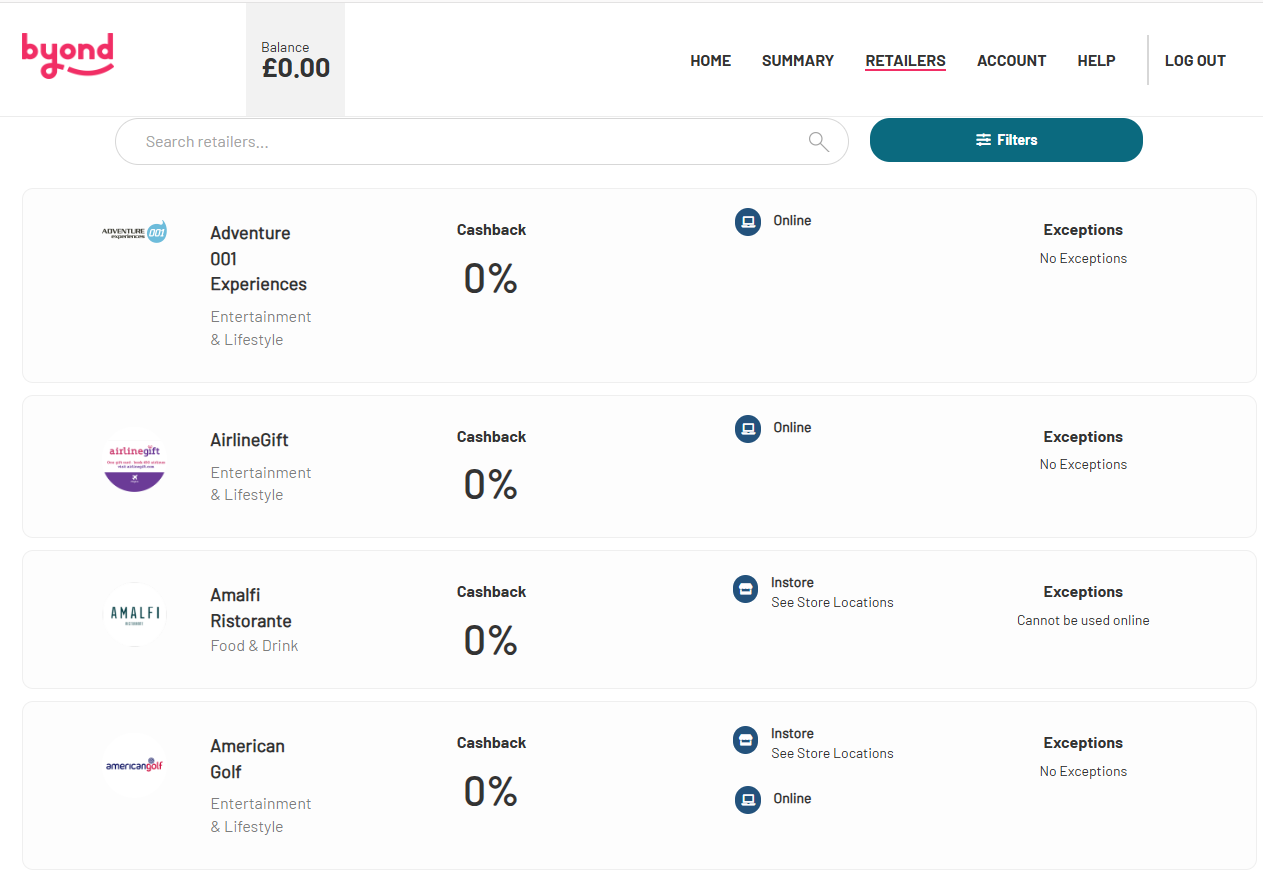
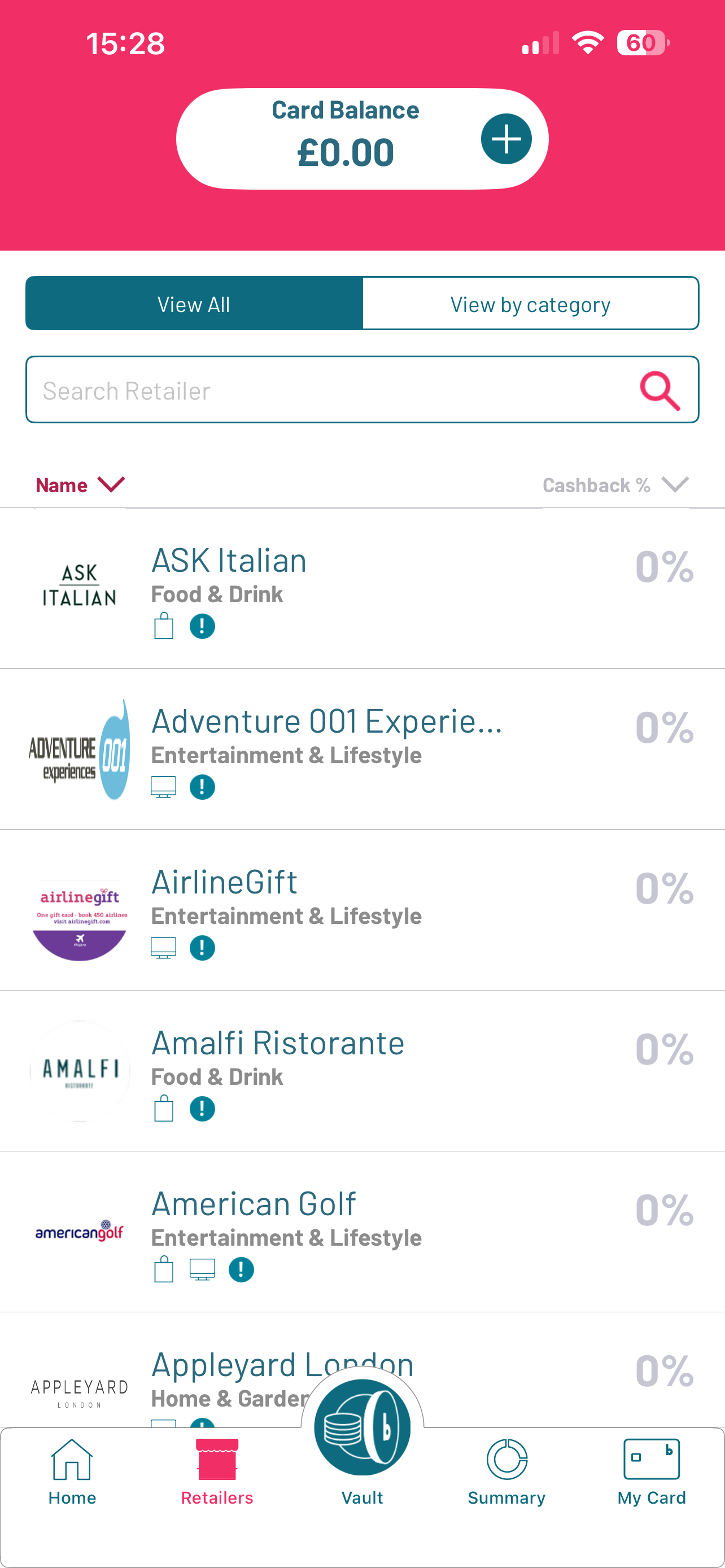
The full list of retailers and cashback rates is available in your account. Log in regularly to stay up to date, as partners and offers can change. We also run exclusive promotions for bYond cardholders, so keep an eye out!
To check the latest list:
Website:
App:
If you can’t find the answer you’re looking for, we’re here to help.
Contact Us Form
[Click here to complete our contact form]
We aim to respond within 48 hours. Please include all relevant details in your message, including your card ID.
Phone:
0344 879 1064
Our phone lines are open 8am to 8pm, Monday to Sunday, excluding Christmas Day, Boxing Day, and New Year’s Day.
To receive your bYond card and complete your account setup, you may need to pay an annual membership fee of up to £5. We’ll let you know during registration if this applies to you.
The annual fee helps us provide a high-quality service and includes:
Absolutely! Most users earn back the fee within their first few transactions. After that, every purchase helps you save more. Our cashback offers cover everyday spending at some of the UK’s biggest retailers—making your money go further.
No problem! You can contact us to cancel your account at any time. If you change your mind later, you’re welcome to come back.
bYond is a workplace benefit provided by your employer, designed to help you save on everyday spending. It’s a Mastercard® prepaid card that gives you access to over 85 online and high street retailers. Every time you use your bYond card, you earn cashback*.
* Cashback means you get a percentage of the amount you have spent credited to your Vault balance. Cashback will be in a pending status for 30 days, after which it will transition to paid and we will add it to your Vault balance.
Cashback is a great way to earn money back when you spend with your bYond card at one of our partner retailers. Each retailer offers a specific cashback rate—usually a percentage of your purchase amount.
You can view the cashback rates in your online account either on the website or the bYond app under the Retailers section.
Here’s how it works:
If you’d like to cancel your card completely, please contact us.
You have the right to redeem any remaining balance on your card. We can arrange to transfer this to your bank account, but you’ll need to provide a copy of a bank statement to ensure the funds go to the correct person and account. A fee may also apply depending on the circumstances. For full details, please refer to your card terms.
If you’re considering cancellation, we’d love to hear your feedback so we can improve our service. Please share your thoughts via our Contact Us form.
To access your account through the website or the bYond app, use the username and password you created during registration.
Website Login
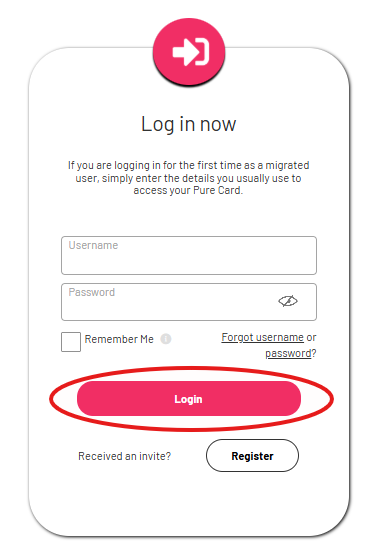
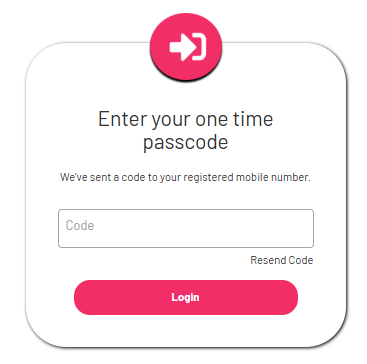
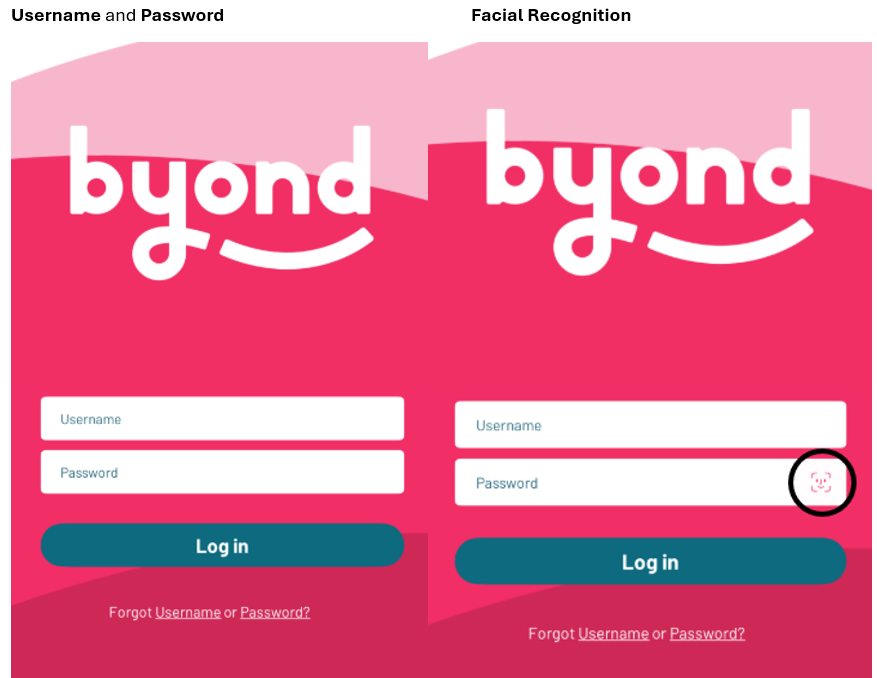
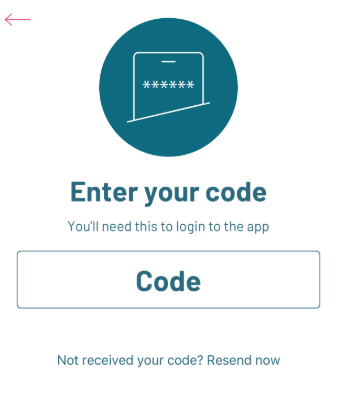
App login:
Depending on your settings, you’ll either enter a one-time passcode or use Face ID if facial recognition is enabled.
You have two options to add money to your card:
If you’ve chosen to allocate part of your salary to your card, your employer will transfer those funds to us on or around payday. We’ll then load them directly onto your card.
If available, you can also add money using a debit card through our website or mobile app.
Click here to see step-by-step instructions for topping up with a debit card.
Important:
1. Click Withdraw on the Homepage under My Vault
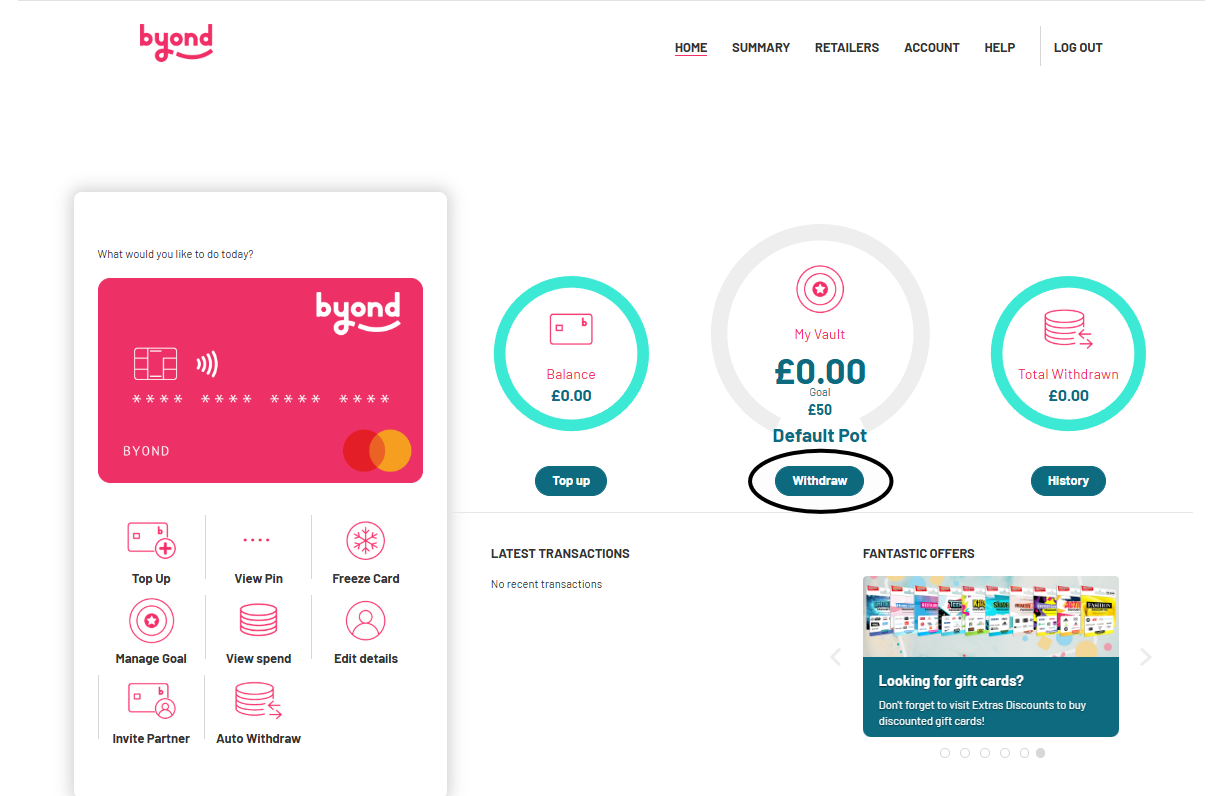
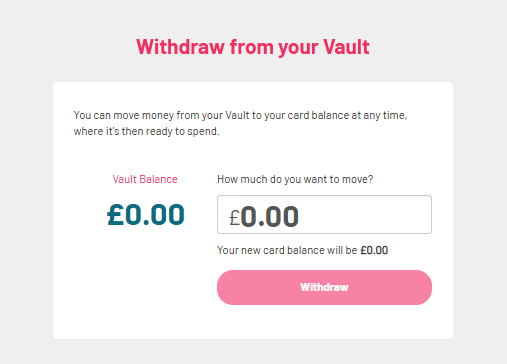
2. Enter the value you want to move to your card balance. The maximum you can withdraw is your current Vault balance. When you select Withdraw, we’ll instantly transfer the amount to your card balance, ready for you to spend right away.
On the app:
1. Click on Vault
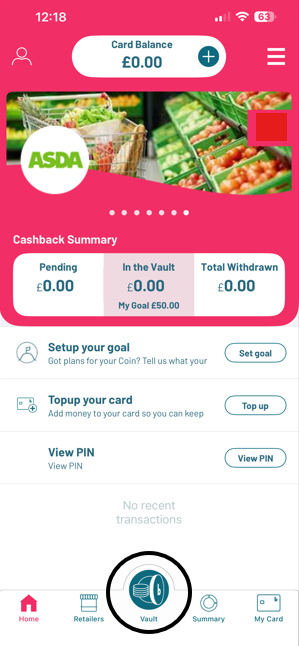
2. Click on Withdraw from Vault
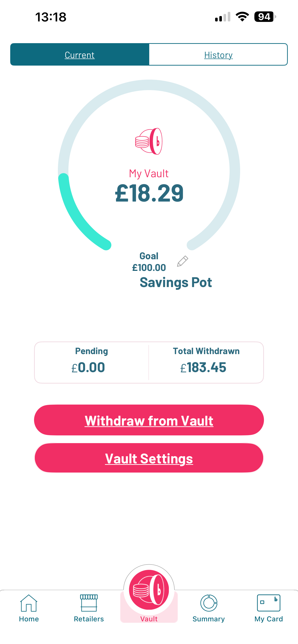
3. Enter the amount you want to move from your Vault to your Card Balance. Click Continue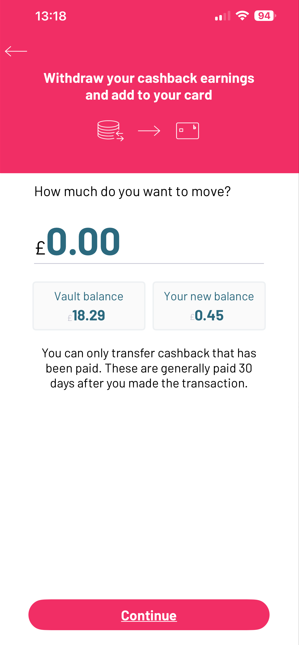
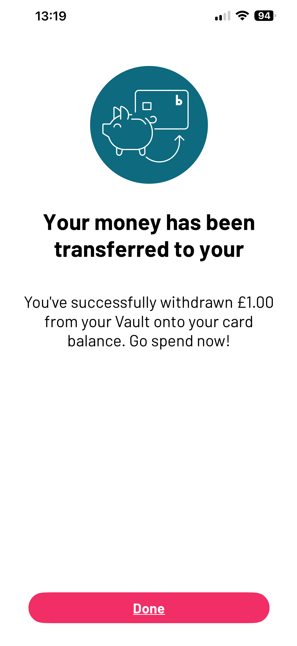
4. We’ll instantly transfer the amount to your card balance, ready for you to spend right away. Click Done

Employees save money on 1,000’s of home and tech items, plus appliances - and spread the cost interest-free - giving them huge financial benefits.
View benefit
Saves employees up to 10% on the cost of physical and digital gift cards from big name retailers.
View benefit
Offers employees savings of up to 25% on membership at gyms, leisure centres, fitness studios and bootcamp classes.
View benefit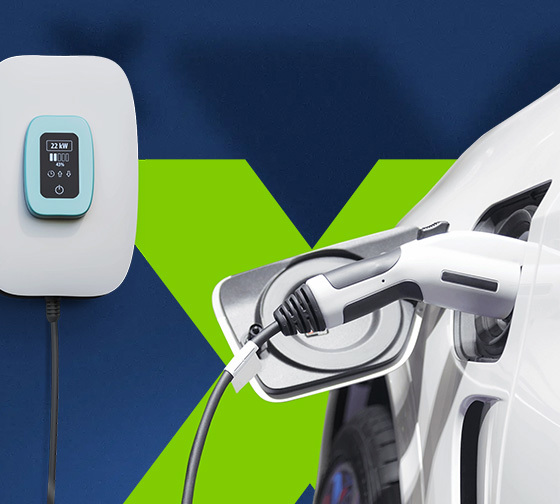
Employees can access the next generation of green cars with no deposit, credit check or risk of depreciation.
View benefit
Employees save up to 47% on the cost of a new bike and accessories of their choice - and spread the cost interest-free, through Cyclescheme.
View benefit













.png)